Account - Password Changes/Reset Instructions
- Visit https://megatix.com.au/login
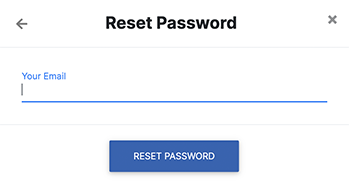
- Select “Forgot Your Password” and enter the email address registered with your Megatix account
- You will then receive an email with further instructions
If you are already logged in, but want to change your account password:
- Visit http://megatix.com.au
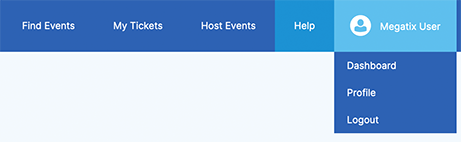
- Select your Account Name that appears in the menu bar on the top-right and choose "Profile"
- Enter in your new password and type again to confirm