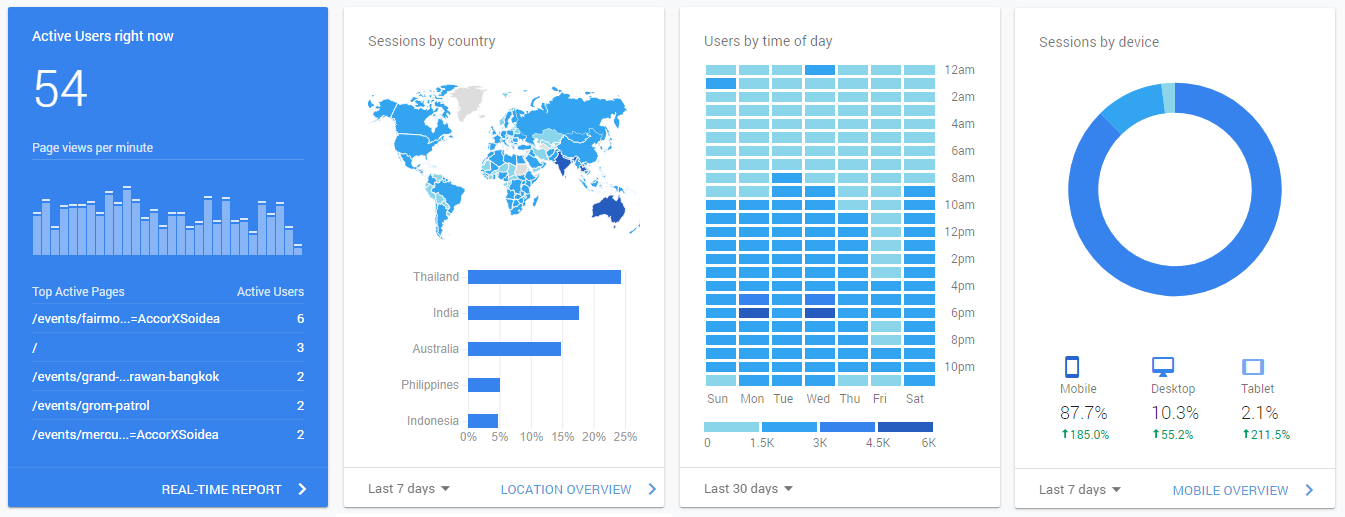
Google Analytics Integration
Megatix has integrated with Google Analytics, one of the worlds most powerful data analytic tools. This allows event organisers to utilise the latest technologies and provide meaningful insights on their customers.
In addition to capturing demographic data such as age, gender and location, Google Analytics also provides insights into customer acquisition, behaviour and technologies. All data can be viewed in real-time on both desktop and dedicated mobile application.
To sign-up for a Google Analytics account, please visit: https://analytics.google.com/analytics/web/
Getting your Google Analytics Tracking ID:
- Sign in to your Analytics account.
- Click Admin.
- Select an account from the menu in the ACCOUNT column.
- Select a property from the menu in the PROPERTY column.
- Under PROPERTY, click Tracking Info > Tracking Code. Your Tracking ID is displayed at the top of the page and will be in the format: UA-12345678-1
Connecting Google Analytics to your Megatix Event:
- Select “Reports / Tracking” inside the Dashboard of a particular event
- Under the header “Tracking Codes” enter in your Google Analytics Tracking ID
- Select “Update”
Once integrated, Megatix will feed customer data and behaviour into your Google Analytics account.