Session Reporting
Live Sales / Analytics for events with multiple sessions show aggregate information for the entire event. To view sales for a specific session:
- Select “Sessions” from the left panel
- Ensure “Group by Date” is highlighted light blue
- Select the arrow “>” to expand a particular date to view each session
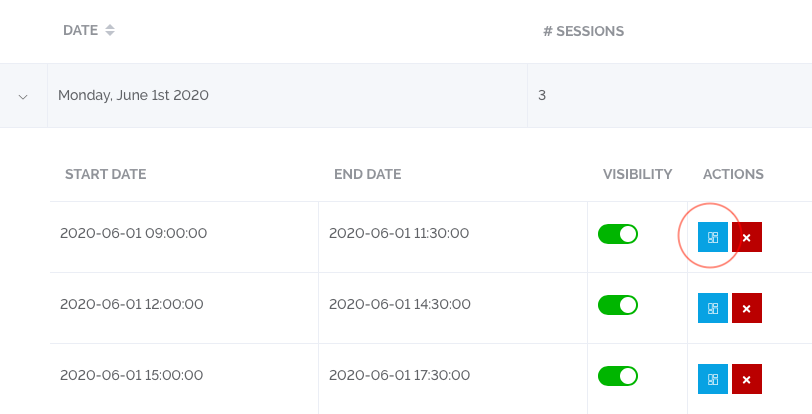
- Select the Blue “Sales” button relevant to the session (circled in red below)
- Here you will be able to see the sales for a specific session and download the ticket information / door list