Manual Scan / Validate Tickets
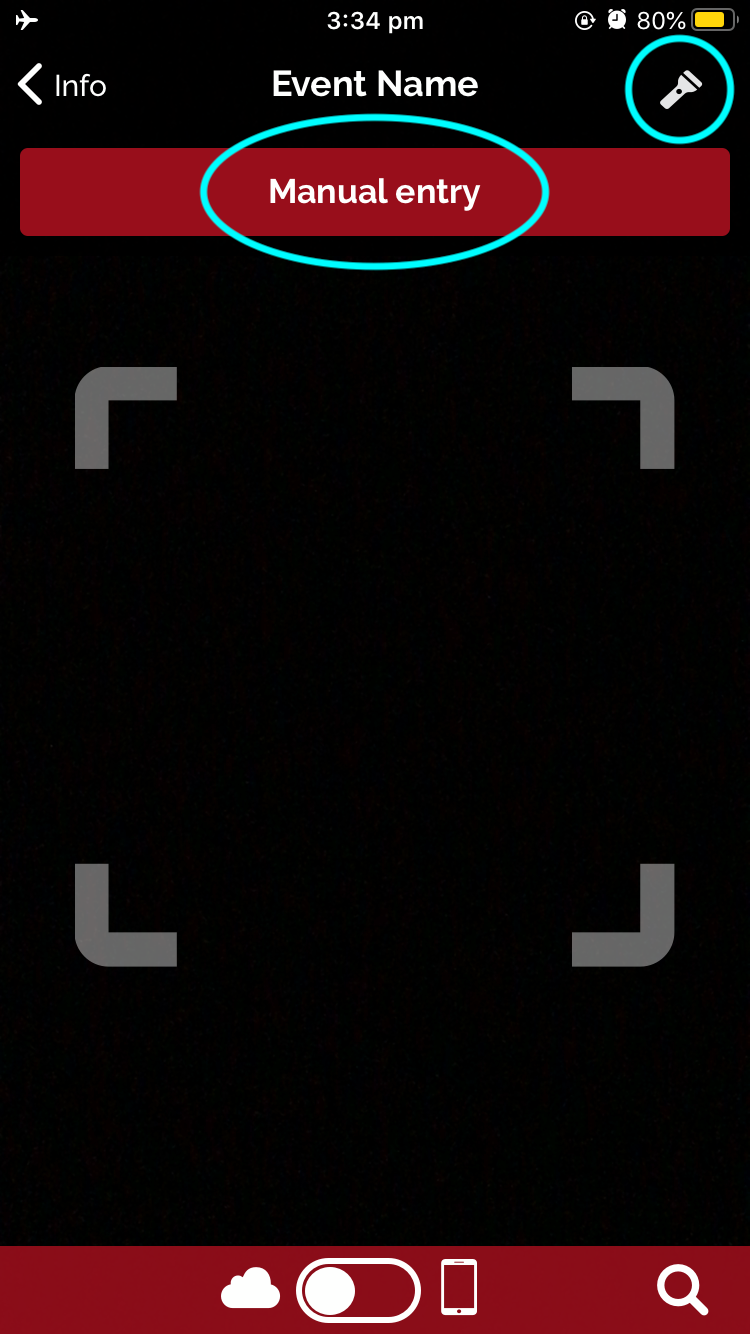
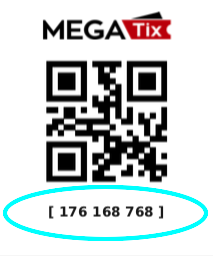
If a QR code has been damaged or is unclear, the staff member can enter in the Barcode Number visible under the QR code to validate the ticket.
- Select “Manual Entry”
- Enter in the nine (9) digit Barcode number with no spaces, circled in Blue below
- Select “Scan ticket”
- A Green screen will appear if the ticket is Valid
- A Red screen will appear if the ticket is Invalid
- To scan the next ticket, tap anywhere on the screen to reset the camera.