
Scan Reporting
To view scan reports on the dashboard:
- Select the relevant event on the dashboard
- Select "Summary" page
- Once scanning has begun, a graph will appear on the top right showing scan statistics
- Under the header "Summary" you can also view the total number of tickets scanned next to header "Tickets Scanned"
- From the "Tickets" section in the left menu, the number of scans per ticket type is also displayed in the table
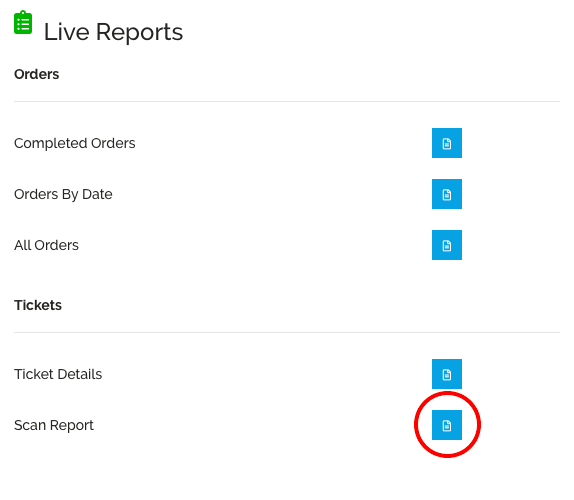
To download scan report excel document:
- From the events dashboard select "Reports / Tracking" on the left panel
- Under the header "Live Reports" select the blue action button next to "Scan Report"
To view the total number of scanned tickets on the Megatix app:
- Open the Megatix app
- Sign in using your promoter login (email address and password)
- Select the relevant event
- Select the "Refresh" icon next the header "Tickets Scanned".